Download a statement
Sign in to your credit union’s website or app and look for Statements, Documents or Export. Choose CSV, Excel or PDF, covering the last three to six months.
Spensyble › Credit union members
For credit union membersMany budgeting apps link to your accounts through a bank-connection service, and coverage of credit unions can be patchy. Spensyble works from a statement you download yourself, so there is nothing to connect.
7-day free trial for new subscribers, then $79.99/year or $9.99/month. Cancel anytime.
Sign in to your credit union’s website or app and look for Statements, Documents or Export. Choose CSV, Excel or PDF, covering the last three to six months.
Spensyble reads the transactions and finds your paycheck and your recurring bills for you. You confirm what it found.
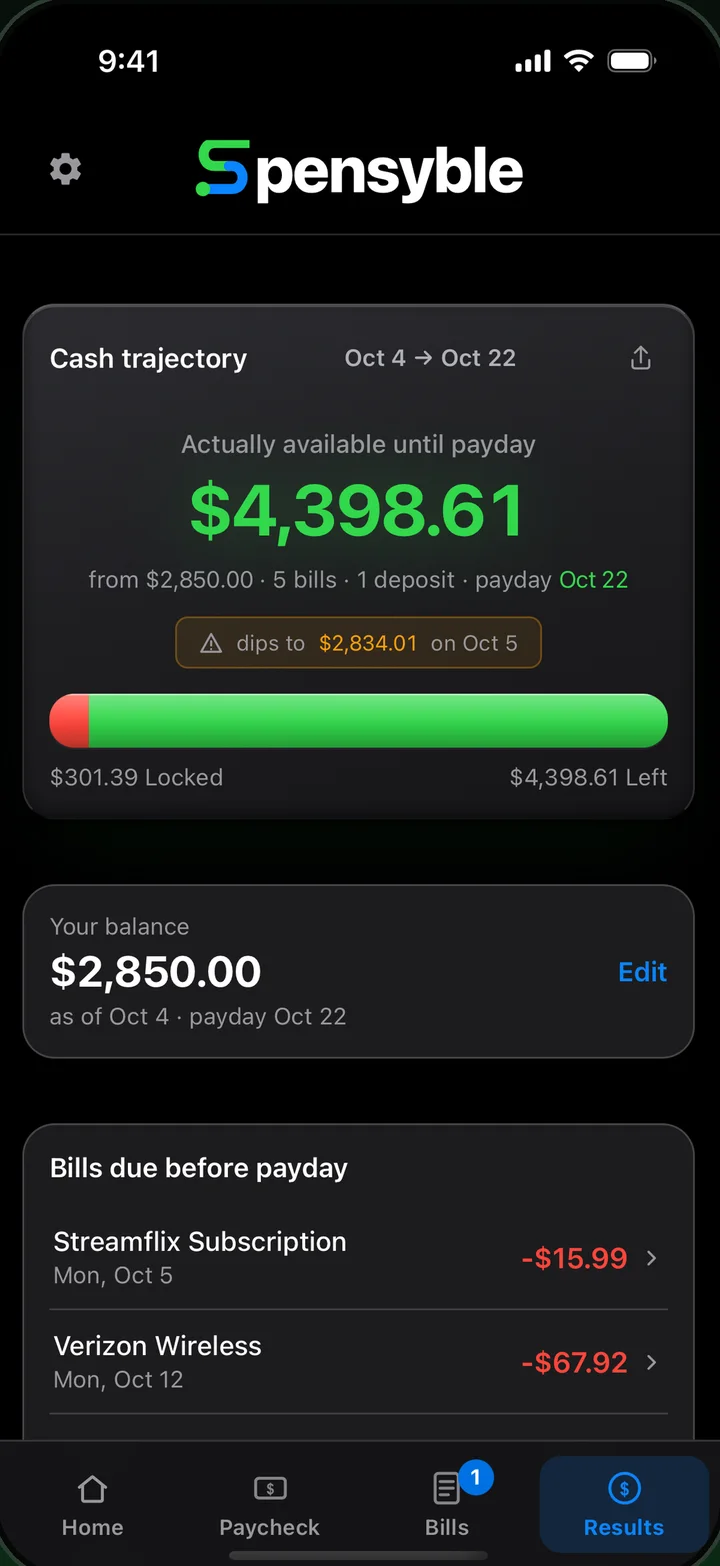
Enter today’s balance. Spensyble takes out every bill due before your next payday and shows what is actually yours.
Your balance, minus the bills due before your next paycheck. No categories to set up and no account to link.
It works if your credit union lets you download transactions or a statement. Look for Statements, Documents or Export in its website or app.
Your number is as current as the statement and balance you give it. Add a newer statement to refresh it.
Statements are processed on your iPhone. No bank login, no account linking, and no server that receives your financial data. Read the privacy policy.
If your credit union lets you download your transactions or a statement as a CSV, Excel or PDF file, yes. Spensyble never connects to your credit union, so there is no list of supported institutions to check.
No. Spensyble never asks for a bank login and never links to your account. You add a file you download yourself.
No. Statements are processed on your iPhone, and there is no server that receives your financial data. The privacy policy has the details.
No. Spensyble works from the statements you add, not a live feed. To refresh your number, add a newer statement and enter today's balance.
CSV and Excel files are the most reliable. PDFs are read from the text inside the file, and Spensyble shows a preview so you can check the rows before importing. A scanned or photographed PDF has no text to read, so download an electronic copy from your credit union instead.
New subscribers get a 7-day free trial, then $79.99 a year or $9.99 a month. You can cancel anytime in your App Store settings.
Download Spensyble and add the statement you already have.
7-day free trial for new subscribers. No bank login.